Having recently started a PhD, I’ve been experimenting with ways of
taking notes. I was searching for a method of organising papers
I’ve read, to accrue a library that I can come back to as needed.
I also needed a way to associate notes with these papers.
I had certain requirements of any potential solution:
Seamless. For notes to be useful, they need to be complete,
consistent and thorough. In my experience, I’ve found that if the
effort for note taking is too high, it is inevitable that
notes will be incomplete, inconsistent and low quality.
Note taking should be easy and maintainable, not a chore!
Minimal. At the same time, hyper-optimised power user work-flows
are undesirable. They take forever to set up, and even longer
to maintain. Anecdotally, I find myself using the most useful
5% of workflows 95% of the time.
Discoverable. After taking a note, it should be easy to find it
again. Knowledge should be available on demand.
Free (and Open Source). This goes without saying!
With these principles in mind, I want to demonstrate the system that
I’ve come up with and have great success with personally.
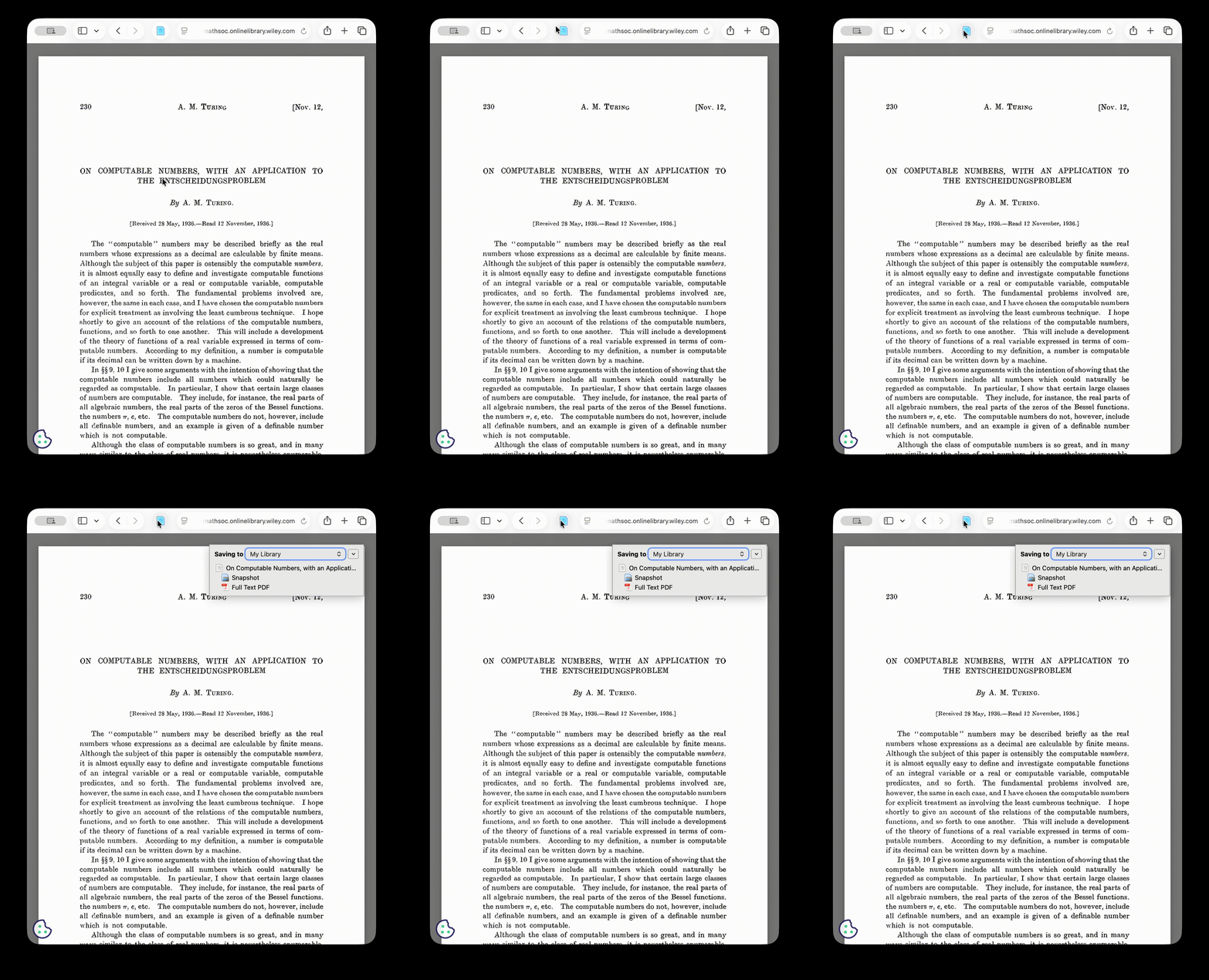
Zotero
Zotero is an open source reference-management tool that helps you
collect and organize sources for research. It allows you to
save papers to your library with one click of a browser extension!
Org Roam
Org mode is a mode in the Emacs1 text editor for working with
text based note files. One can think of it like markdown,
but more extensible and much more powerful.
It supports rich note taking features, like \(\LaTeX\) support,
code blocks, tables, images, links etc.
Org roam is an extension built atop org, which allows
you to organise and link your notes, in the style of
Obsidian or Roam Research, by connecting notes through backlinks.
My choice of tool here is because a) I already use and love
Emacs and b) the extensibility of Org Roam makes it possible to
personalise seamless workflows for my needs.
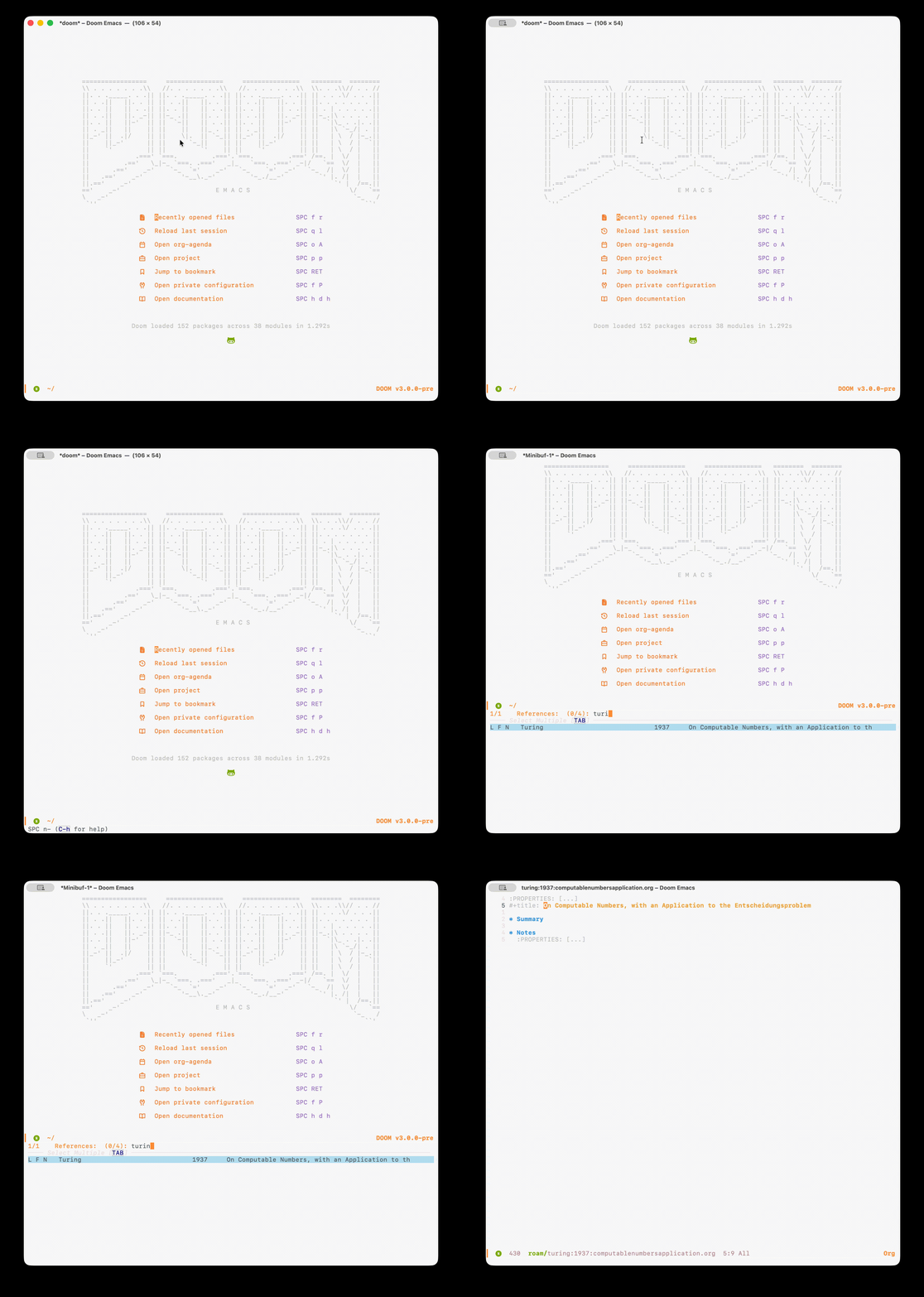
Let’s say that I want to take notes about the paper I’ve just added
to my library. Having integrated Org Roam with Zotero, I can open
it directly with a few key presses, with a handy template filled
ready for me:
Org Noter
Naively taking notes, copying information from the PDF seems like
a waste of time: notes should augment what is written in the paper.
It is necessary for any notes that are taken to be contextualised
by what is in the paper. This point is extremely important,
and usually a large hinderence to note-taking. One solution is to
annotate the PDF directly. However this comes at the cost of
discoverability. It becomes difficult to organise and link together
ideas that have been scribbled in the margins of a PDF.
We should learn a thing or two from Fermat’s struggles.
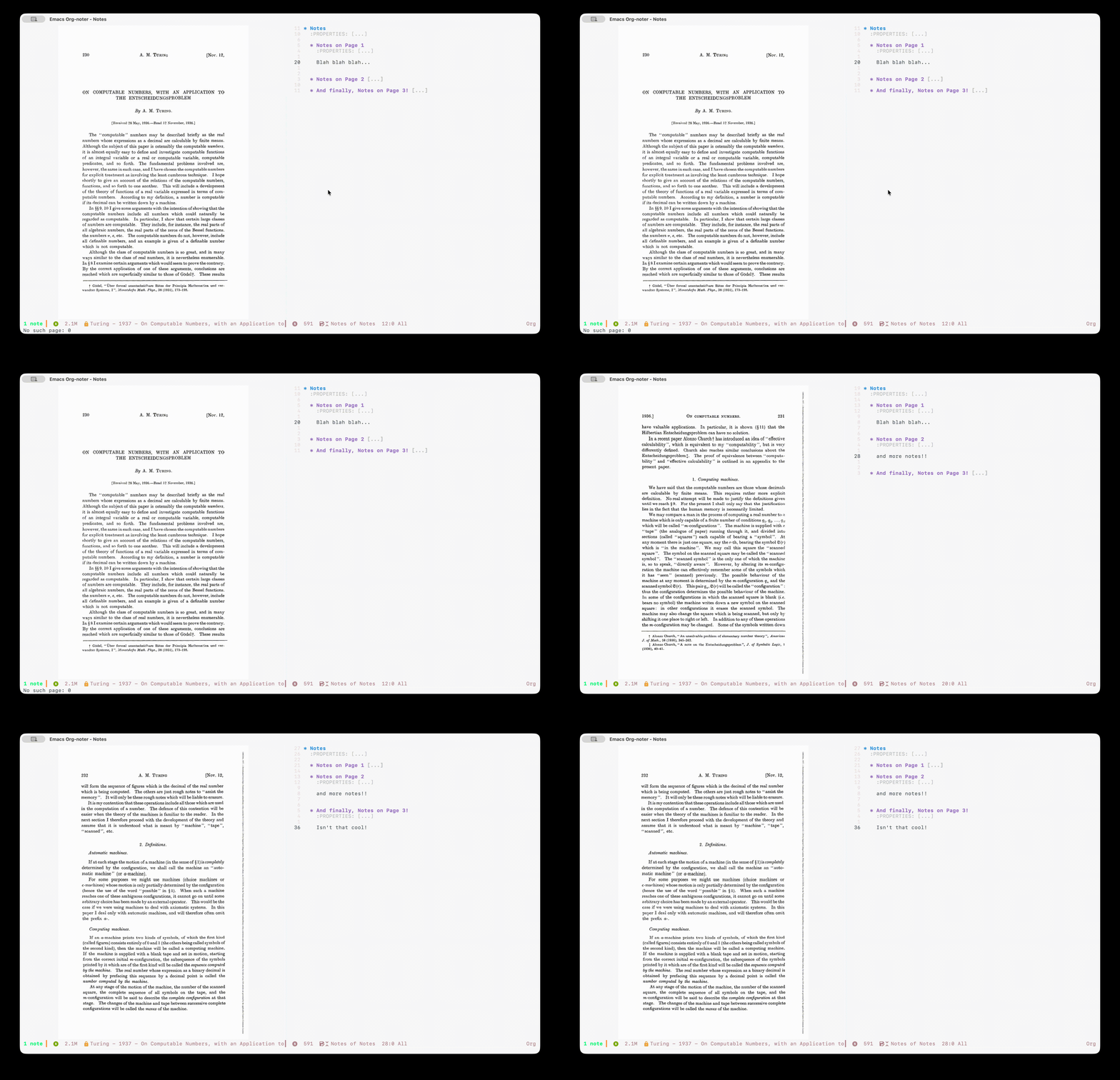
This is where org noter comes in. It is an extension to Org Mode
that syncs your notes with a PDF! It does this by storing metadata
(in text) within the org document. The simplicity yet startling
power of Org Mode is really starting to shine here! Here it is in
action on the note we started to capture earlier:
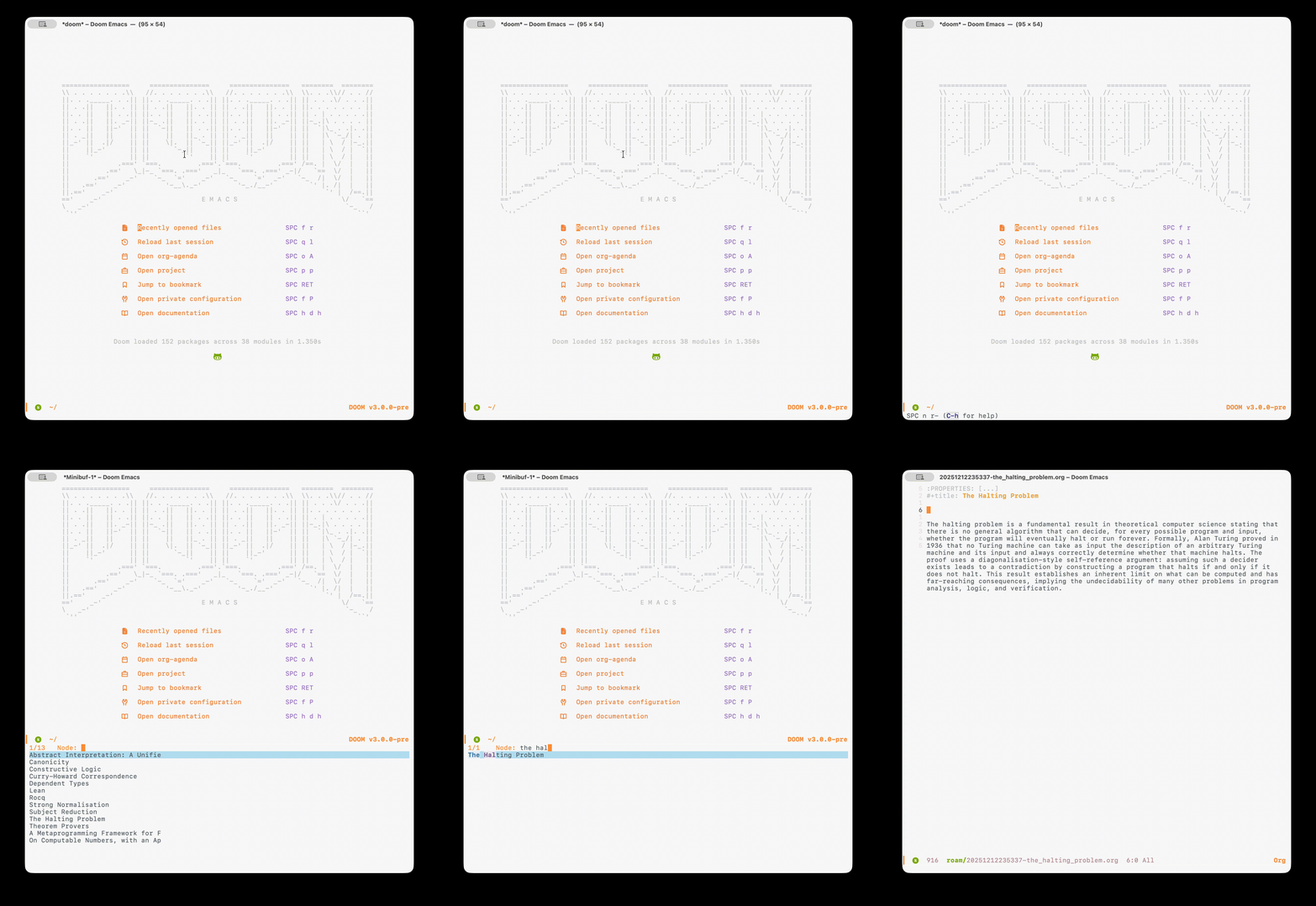
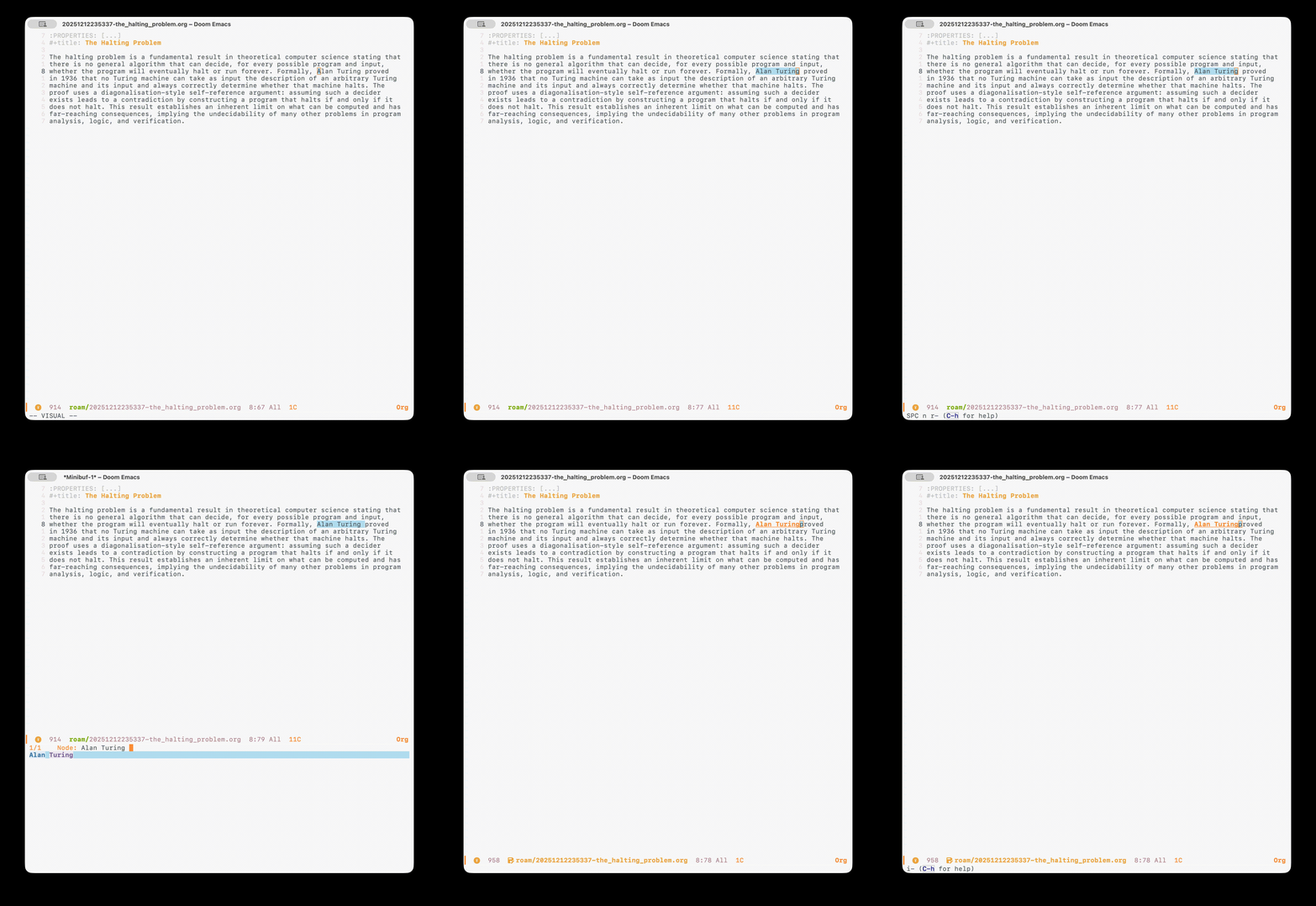
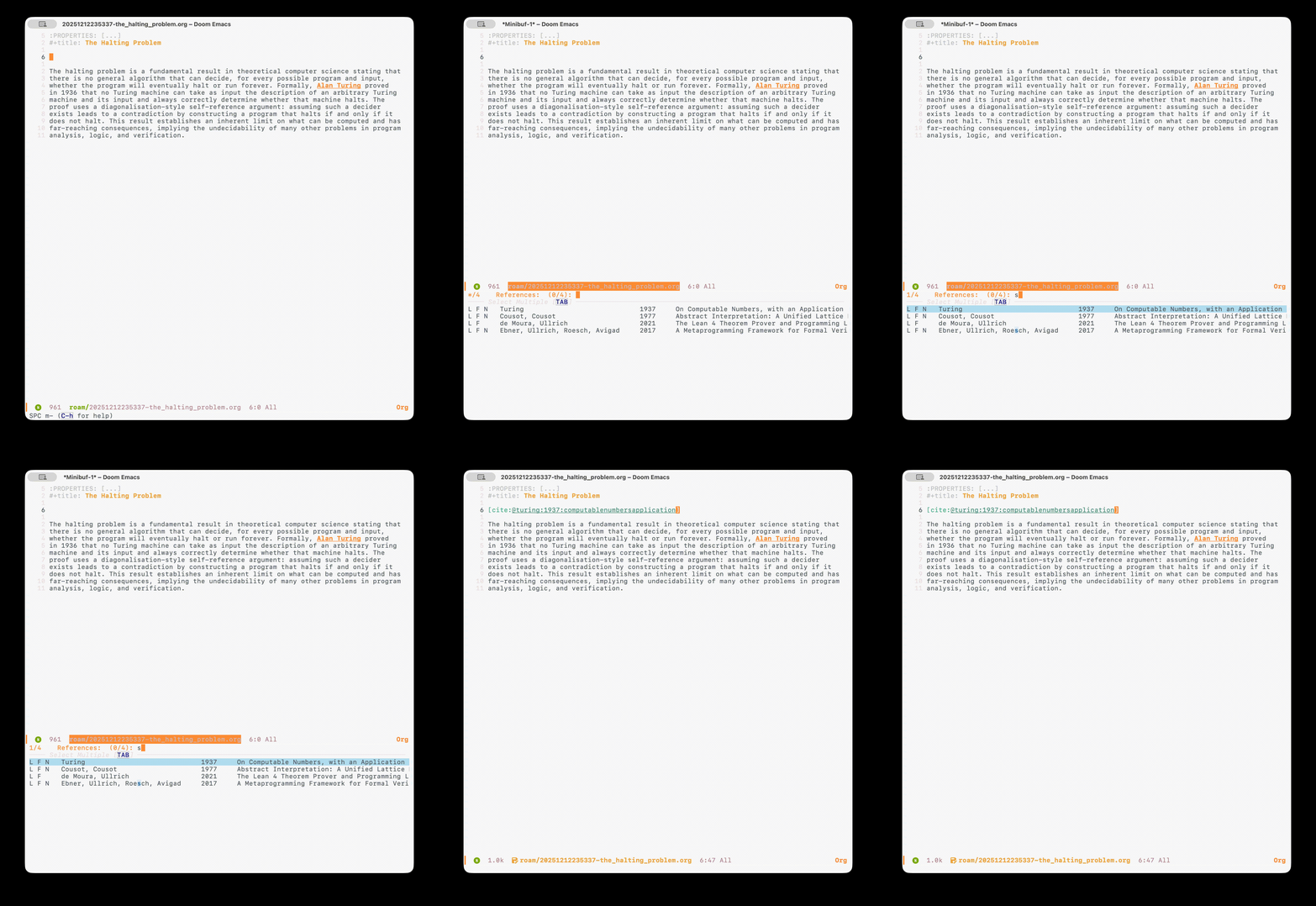
Finding and Linking Notes
As I mentioned earlier, Org Roam is what we’re using to organise
our notes. It allows one to: Search for notes…
Link to other notes…
Cite papers…
From the citation, one can open the note we created for the paper,
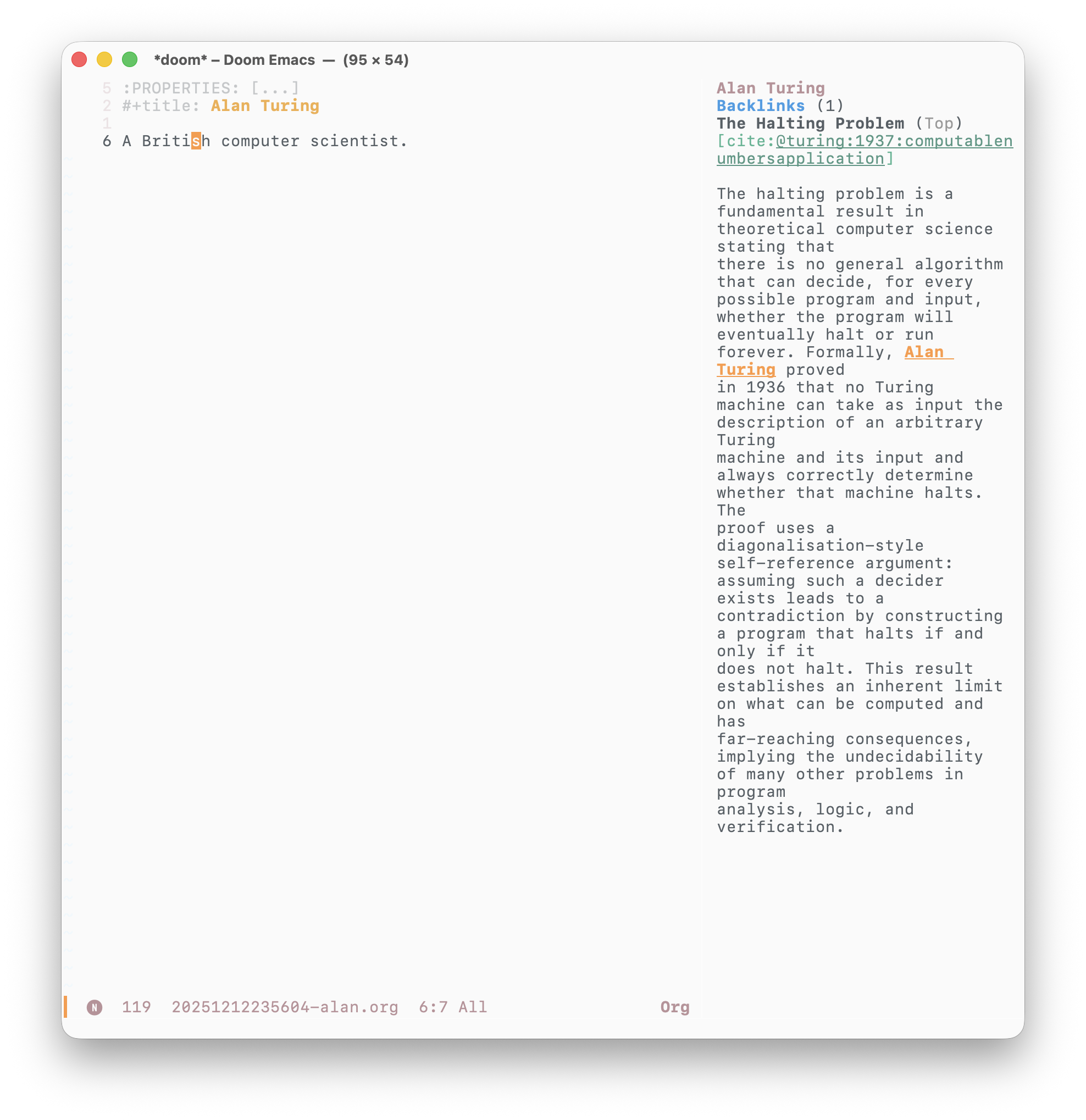
or open the PDF for the paper itself! Org roam also shows you backlinks,
allowing you to see other notes that link to it.
All these features make it effortless to find and traverse notes.
Configuration
All that being said, what about the requirement for minimalism?
It turns out, most of this functionality can be achieved out of the box with
Doom Emacs. My configuration can be found here.
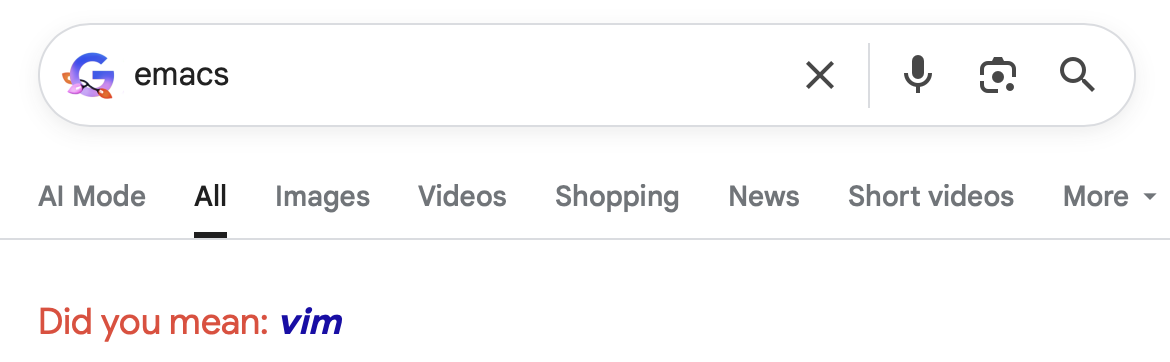
Google employees clearly have bad taste in text editors:↩︎